
A personal dashboard
for your browser.
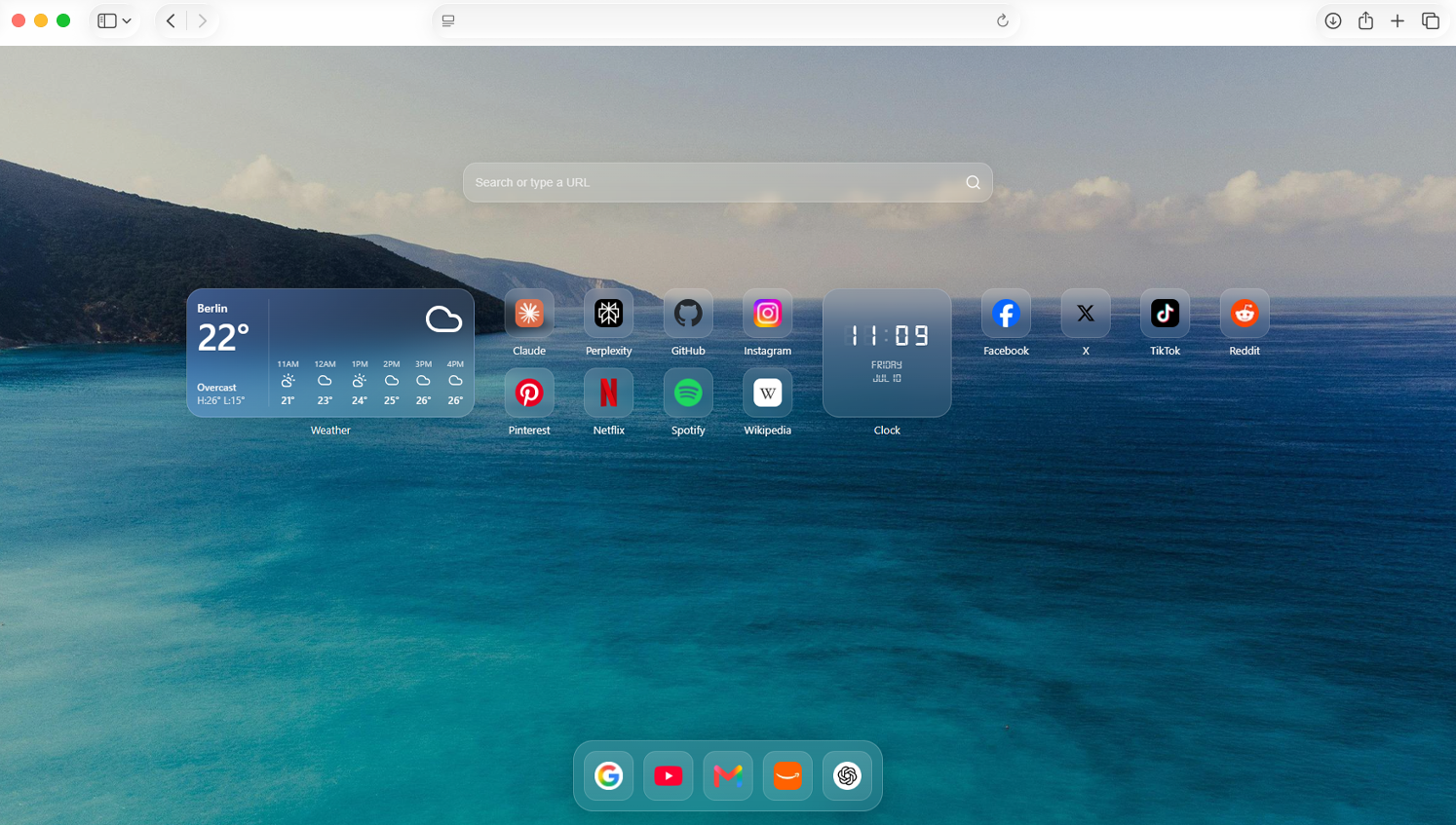
A lightning-fast dashboard featuring widgets, bookmarks, native browser sync, and uncompromising privacy. Zero tracking. Zero lag.
Free. Private. No account required.
Essential widgets.
Everything you need to organize your day, without the clutter.
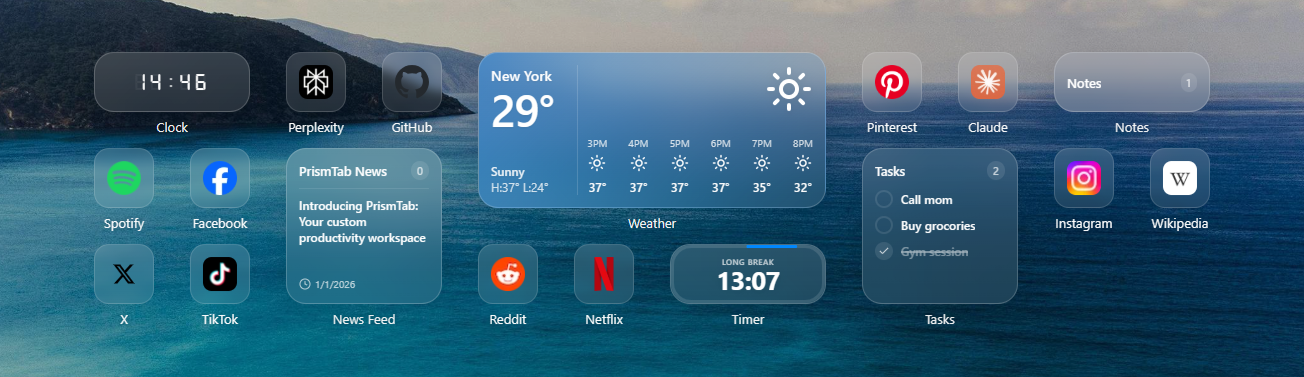
Flexible layouts.
Drag any widget to rearrange your dashboard, and resize each one to fit exactly how you use it.
- Fluid drag and drop
- Multiple widget sizes and shapes
Make it yours.
Upload your own photo as a wallpaper, pick an accent color, and choose how your dashboard looks — all stored locally, all reversible in a click.
- Custom photo wallpapers, optimized automatically
- Native light, dark, and system themes
- Full accent color control
- Automatic icons for every bookmark
Your bookmarks, instantly accessible.
Mirror your browser's existing bookmarks with optional two-way sync. Access them via the dashboard or search instantly using the built-in Spotlight interface.
- Two-way Chrome bookmark sync
- Spotlight search, for quick access to your bookmarks, widgets, and settings
Minimalist mode
Switch to minimalist mode, for a distraction-free new tab. Just a clock, your one goal, and a quote.
- Large, distraction-free clock
- Track a single, high-priority daily goal
- Inspiring daily quotes
Private by default.
No accounts, no analytics, no server. PrismTab is built local-first.
Stored on your device
Settings, notes, and layouts live directly in your browser's local storage. Nothing is uploaded to a server.
Export your data
Export a full JSON snapshot of your dashboard whenever you like, and safely restore it on any device.
Granular permissions
Bookmark access is entirely optional. PrismTab only requests browser permissions if you decide to turn on sync.
Questions, answered.
Does PrismTab track my browsing?
No. PrismTab doesn't run analytics or telemetry. The only network calls are ones you trigger yourself — a weather lookup to Open-Meteo, a favicon fetch, or an RSS feed you added.
Do I need an account?
No sign-up and no login required. Every setting lives locally in your browser.
Can I use my existing Chrome bookmarks?
Yes. Turn on bookmark sync in settings and PrismTab mirrors your existing folders. It keeps them in sync in both directions. You can easily search them via the Spotlight search.
Will it slow my new tab down?
No. PrismTab is built to open instantly. We use Background Web Workers to process RSS feeds and Offscreen Canvas to automatically optimize custom wallpapers, ensuring zero main-thread lag.